Tutorials
A path, not a pile. Each tutorial has a prerequisite, a time estimate, and a concrete thing you will be able to do afterwards.
Overview
Purpose
To take you from "I have never used a torrent client" to "I run a multi-user, audited, automated media platform behind TLS, and I have tested my restore."
When to use this page
As your table of contents. Work top to bottom the first time. After that, jump.
Prerequisites
For the whole path: a Linux/NAS/VM host with Docker, and about four hours spread over a few sittings. For each individual tutorial: whatever it says.
🟢 Beginner — get it working
Goal: a running install, a completed download, and the vocabulary to read everything else.
| # | Tutorial | Time | Prerequisite | Afterwards you can… |
|---|---|---|---|---|
| 1 | Quick Start | ~15 min | Docker installed | Bring up the stack, log in, register an engine, complete a download. |
| 2 | Core Concepts | ~20 min (read) | None | Explain engine vs indexer vs tracker, the torrent lifecycle, and hardlink vs copy — without hedging. |
| 3 | My First Download | ~30 min | A running stack + an engine | Add a torrent three different ways, inspect it, verify the bytes, and organise it into a library. |
| 4 | Architecture Overview | ~15 min (read) | A running stack | Name every container, know what to back up, and trace any download end to end. |
It is the only page that defines the words. Everything else assumes them. Twenty minutes here saves hours of confusion later.
🔵 Intermediate — make it useful
Goal: stop touching files by hand. Downloads land, get named properly, and show up in your media server on their own.
| # | Tutorial | Time | Prerequisite | Afterwards you can… |
|---|---|---|---|---|
| 5 | Building a movie library | ~45 min | A completed download | Create libraries, understand rename modes, preview safely, and hardlink without breaking seeding. |
| 6 | Automating TV shows | ~60 min | A working library | Monitor a series, detect missing episodes, and let UltraTorrent search for and grab them. |
| 7 | Integrating Plex / Jellyfin / Emby | ~30 min | A working library + a media server | Auto-refresh your server after every import, and turn on watch analytics. |
🟣 Advanced — make it think
Goal: stop making decisions. Express your taste once, as policy, and let the engine apply it consistently.
| # | Tutorial | Time | Prerequisite | Afterwards you can… |
|---|---|---|---|---|
| 8 | Smart RSS rules | ~60 min | Tutorials 5–6 | Build ranked preference lists, understand three-level dedup, and let rules upgrade what you already hold. |
| 9 | Multiple indexers | ~45 min | An indexer + Prowlarr | Fan searches across many indexers with priority, min-seeders and cross-indexer dedup — and survive Cloudflare. |
An RSS upgrade removes the superseded torrent and its data — deliberately. An automation rule can delete or move files. Read the whole tutorial before you enable anything, and keep a backup.
🟠 Enterprise — make it survive
Goal: more than one human, on a real network, with an audit trail and a tested restore. "Enterprise" here means an engineering quality bar, not a product you buy — every feature is in the one open-source repository, gated only by RBAC.
| # | Topic | Where | Afterwards you can… |
|---|---|---|---|
| 10 | Users, roles & permissions | Users · Permissions | Give people exactly the access they need, and no more. |
| 11 | Security hardening | Security · Reverse proxy · TLS | Run it on a real network without regretting it. |
| 12 | Backup, restore & upgrade | Backup · Upgrading | Lose the host and not lose the platform. |
| 13 | Audit & performance | Audit · Performance | Answer "who did that?" and "why is it slow?". |
| 14 | Configuration profiles | Configuration profiles | Run consistent, reproducible configurations. |
| 15 | Automate against the API | REST API | Script anything the UI can do — the SPA is just one client. |
UltraTorrent is a single open-source community product (AGPL-3.0-or-later). Every module ships here. The only access decision the server ever makes is "does this user hold the required permission?"
The whole path, as a decision tree
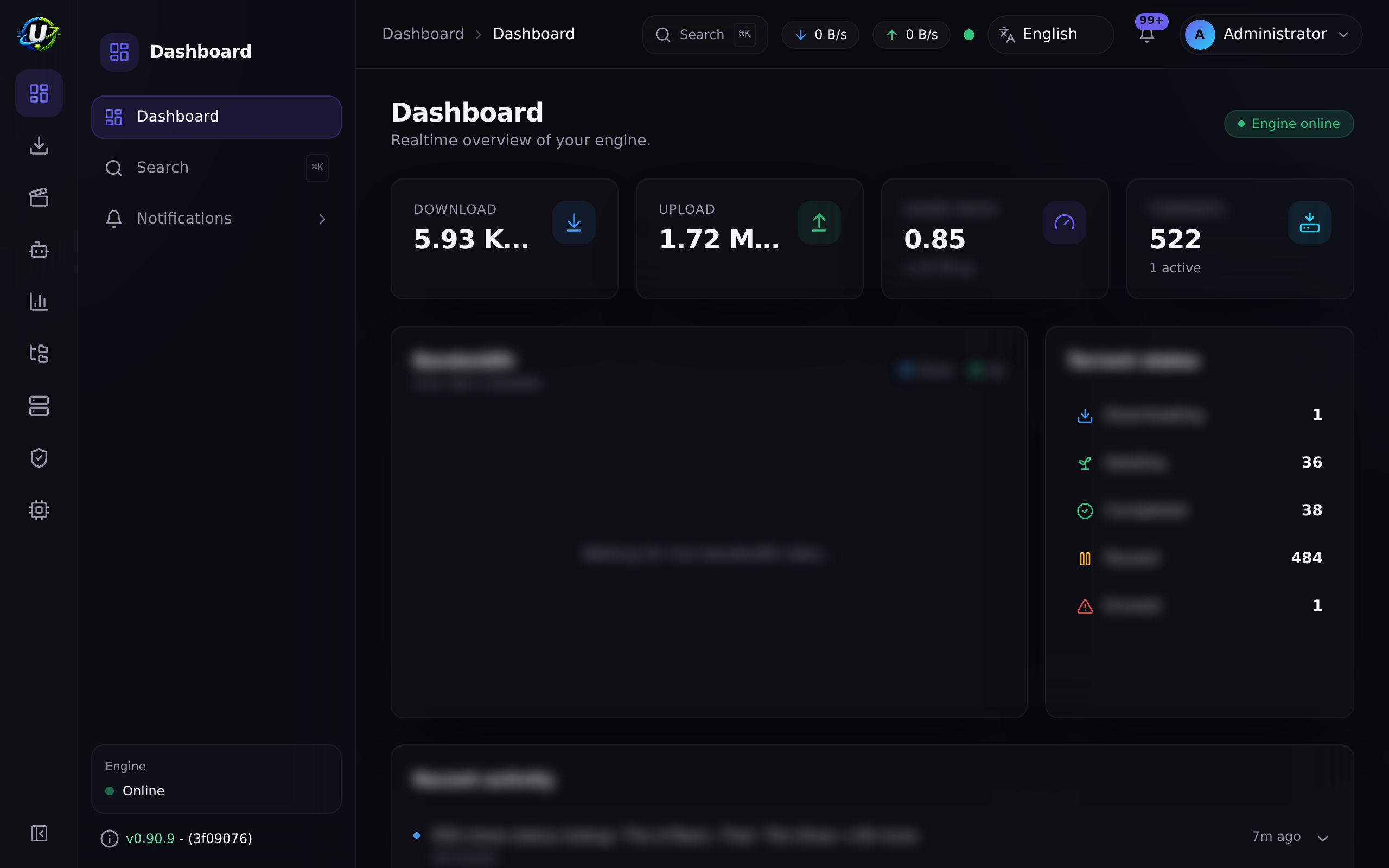
Video coming soon.
Examples
"I have three hours this weekend"
- Quick Start — 15 min
- Core Concepts — 20 min
- Building a movie library — 45 min
- Automating TV shows — 60 min
- Integrating Plex / Jellyfin — 30 min
You will finish with a fully automatic TV pipeline into your media server.
"I only care about not losing things"
- Architecture Overview — what actually holds your data
- Backup & restore — and then test the restore
- Security
Troubleshooting
| Problem | Do this |
|---|---|
| A tutorial assumes a term you do not know | It is in Core Concepts or the Glossary. |
| A step's screen does not look like the docs | Check you have the permission for it — the UI hides what you cannot use. See Permissions. |
| A page is missing from your sidebar entirely | Its module is disabled. Administration → Modules (/modules). |
| Something broke halfway through | Troubleshooting is organised by symptom. |
Tips
The tutorials work far better when the show you are automating is a show you actually watch. You will notice mistakes immediately.
Especially in Advanced. If you turn on auto-search, upgrades and automation rules in one sitting and something misfires, you will not know which one did it.
FAQ
Do I have to do these in order? No, but the prerequisites are real. Skipping Core Concepts is the one that reliably backfires.
How long is the whole path? Roughly four hours of hands-on work for Beginner → Advanced, plus however long you spend deciding your quality preferences (which is the fun part).
Is any of this different if I run on a NAS?
Only the ports and the PUID/PGID. 8080 and 9696 are commonly taken on NAS
devices — set FRONTEND_PORT and PROWLARR_PORT. See Docker Compose.
Where is the API documentation? REST API. Every capability is an endpoint — the SPA is just one client of it.
Checklist
You have completed the path when:
- The stack is running and you can log in.
- An engine is registered, default, and connected.
- At least one indexer passes its Test.
- Downloads land inside a library root and get renamed automatically.
- Your media server refreshes itself after an import.
- A monitored series shows an accurate missing-episode count.
- An RSS rule with a ranked preference list is grabbing (and upgrading).
- Non-admin users exist, with roles that give them only what they need.
- The UI is behind TLS.
- You have taken a backup and restored it somewhere disposable.
Expected result
An install that acquires, organises, publishes and reports on your media without you touching it — and that you could rebuild from a backup tonight.
Next steps
Start at the top: Quick Start.