Workflows
Six flows. Each one is what actually happens, drawn end to end, with the component that owns each step named.
Read the diagram first, then the notes underneath it. Between them they explain almost every "why did it do that?" you will ever have.
Overview
Purpose
To give you a mental index. When something misbehaves, find the flow it belongs to, walk the diagram, and the broken step will usually be obvious.
When to use this page
- After Core Concepts, to see the concepts in motion.
- While debugging, to isolate which step failed.
- Before building automation, to see what already happens for free.
Prerequisites
- A working install (Quick Start).
- The vocabulary from Core Concepts.
Workflow 1 — Downloading a movie
The simplest flow, and the foundation of every other one.
Notes
- The browser never touches the engine. Everything is normalized server-side.
- Adding by URL is fetched by the backend through an SSRF guard — a private-IP
indexer must be listed in
SSRF_ALLOW_HOSTS. torrent.completedis edge-triggered (progress crosses 100% on a live tick) and backfilled (reconcileCompletedre-evaluates torrents already complete that never crossed that edge — finished while the app was down, or a rule created afterwards). A success ledger keeps it idempotent, so each rule runs once per torrent.
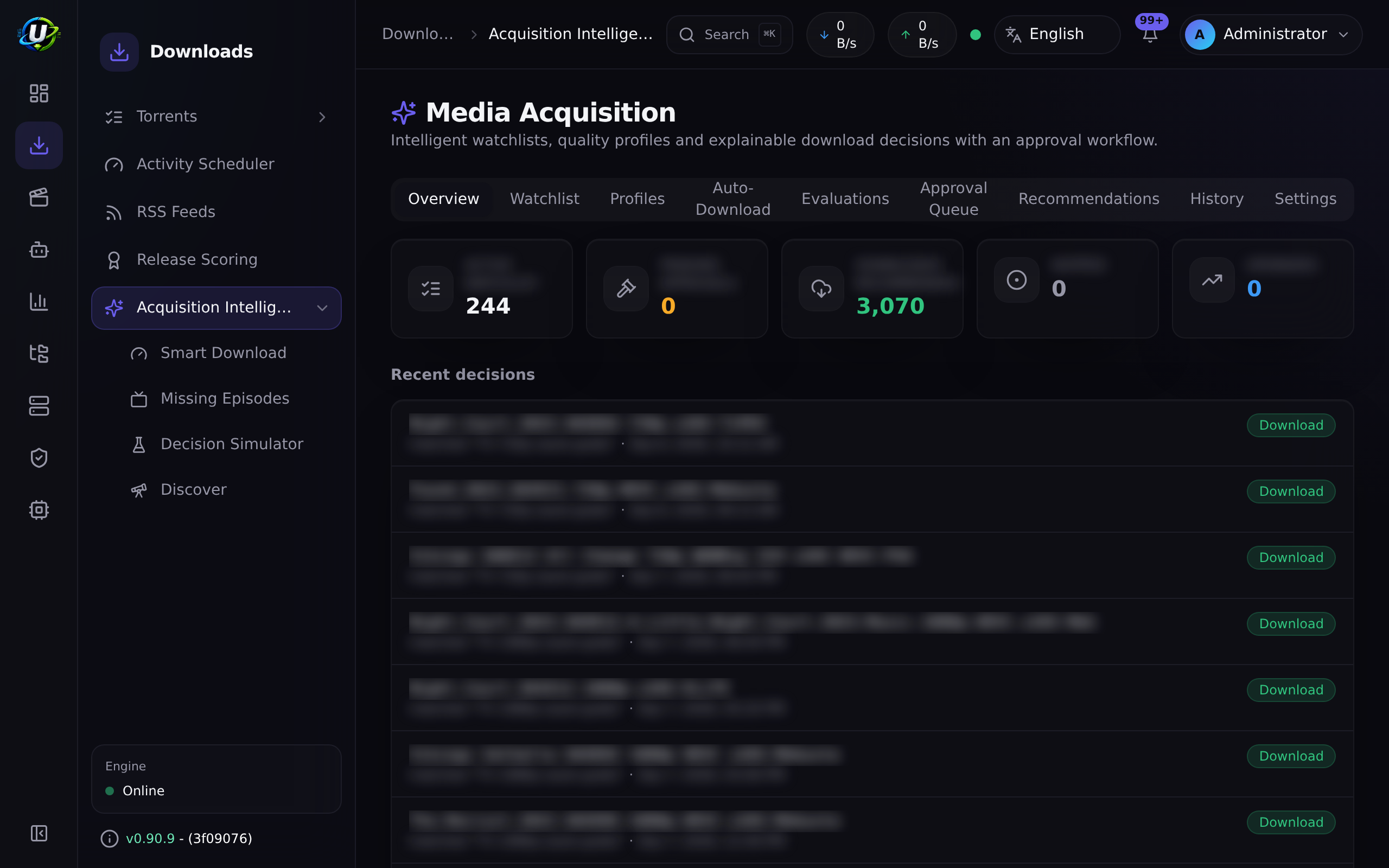
Workflow 2 — Automating a TV show
You never want to think about a show again. Two mechanisms can do that, and they are complementary:
| Mechanism | Fires when | Good at |
|---|---|---|
| RSS rule | A new item shows up in a feed (polled every 60s) | Forward acquisition — tonight's episode, minutes after it is posted. |
| Smart Download + Missing Episodes | A scan finds a gap between the IMDb catalogue and your library | Backward acquisition — the 43 episodes you never had. |
Use both. Together they cover the whole timeline.
Notes
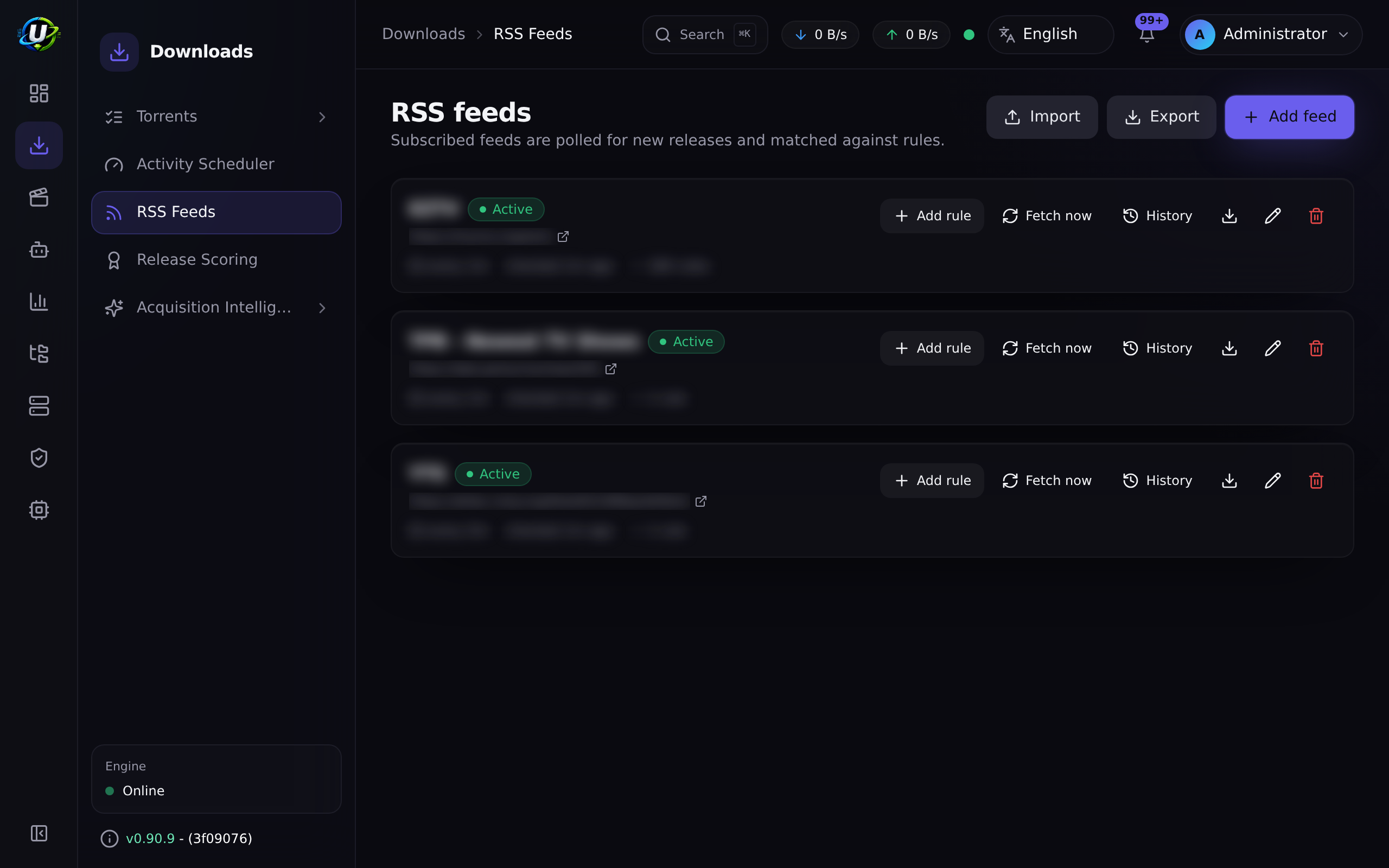
- A series is monitored once it is on the watchlist with an IMDb ID. Use the Add from library picker on the Missing Episodes page rather than typing IDs.
- Missing-episode auto-search (
autoSearchMissing) is opt-in and off by default. Manual Search now / Search all always work. - If the show later ends, the background status-refresh job tells you — and
emits
rss.show.ended— but it never disables your rule. That is your call.
Full walkthrough: Automating TV shows.
Workflow 3 — An RSS rule fires
This is the flow people most often misread, because of the three-level deduplication.
Notes
- Level 3 is the one that surprises people. A rule with a preference list holds
exactly one release per logical title (
movie:<title>:<year>orep:<title>:<season>:<episode>). It grabs the best available, upgrades when something strictly better appears (removing the old torrent and its data), and skips anything equal or worse. - If a release title cannot be parsed into a release identity, level 3 falls back to plain per-release behavior.
- All three levels are enforced in both live polling and backfill.
- Auto-download off turns the rule into a recorder: matches are logged, nothing
is grabbed. That is also what the
convert_rule_to_backfillautomation action does.
Full walkthrough: Smart RSS rules.
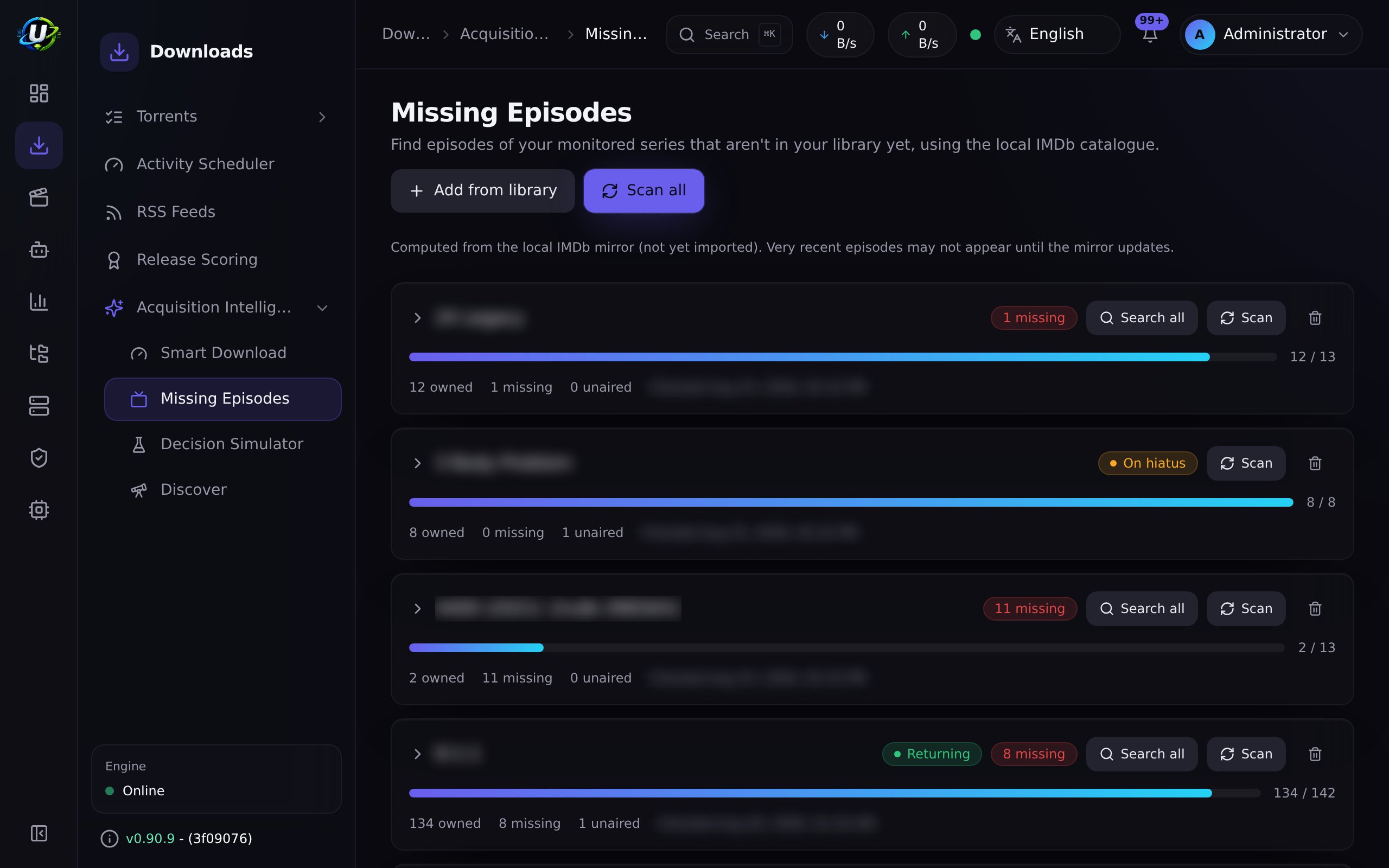
Workflow 4 — Smart Download acquires a missing episode
Detection and downloading are two separate halves. Indexer search is the bridge.
Notes
searchStatuswalksidle → searching → grabbed | pending_approval | no_results | failedand is preserved across rescans (like yourignoredoverrides), so a grabbed episode is never re-searched. It clears once the episode is owned.- Duplicate-grab safety is layered:
searchStatusexcludes grabbed/pending rows · alastSearchedAtbackoff · a re-entrancy guard on the sweep · cross-indexer dedup by info-hash · and the evaluator's own owned check. - A candidate only matches when its scene title parses to the show name. A show known by a different alias may be skipped rather than mis-grabbed.
Automatic search is episode-only today — WantedMovie rows carry the same
grab-state columns, but there is no automatic movie search yet. Smart Download's
automation triggers are also not wired yet, and replace_existing exists as a
decision type but is not emitted.
Workflow 5 — Media import and rename
What turns "a download" into "a library".
Notes
- Each stage is isolated. A failure in one never aborts the rest, and the handler never throws (which protects the engine sync loop).
- The library's
kind(tv/anime/movie) is authoritative over the filename for the movie/tv/anime axis. A folder like9-1-1 (2018)in atvlibrary is not mis-read as a movie. Onlygenerallibraries guess from filenames. - For episodic layouts (
Show/Season NN/episode), the series title comes from the show folder, not the filename — which is what stops a show fragmenting into one item per episode. - Every dotted arrow is a real automation trigger you can hang your own rules on.
There is also a periodic scan — and it behaves differently
That is deliberate: a routine scan enriches in place. Renaming stays the download organiser's job. Only gaps are filled, so steady-state scans do almost no work and never re-hammer the metadata providers.
Workflow 6 — Backup and restore
The least exciting workflow and the only one whose absence will ruin your week.
Back up
# The database — this is the one that matters.
docker compose exec -T postgres \
  pg_dump -U ultratorrent ultratorrent > backup-$(date +%F).sql

# The secrets. Without ENCRYPTION_KEY the dump's encrypted columns are unreadable.
cp .env env-backup-$(date +%F)
ENCRYPTION_KEY and the database are one unitENCRYPTION_KEY is what decrypts the encrypted columns in that dump — 2FA/TOTP
secrets, indexer API keys and media-server tokens.
A database restored without its matching key has a lot of unreadable secrets in
it. Back them up together, restore them together, and store them somewhere that
is not the host you are backing up.
Restore
- Bring up a stack with the same
.env(sameENCRYPTION_KEY, samePOSTGRES_PASSWORD). - Restore the dump into the fresh database.
- Start the backend. It runs
prisma migrate deployon boot. - Verify, in this order: log in → engines connect → an indexer Test still passes (that proves the encrypted keys decrypted correctly).
If an upgrade goes wrong, you restore the pre-upgrade backup — you do not roll a migration back. Take the backup before you upgrade, every time. See Upgrading.
Full procedure, including scheduling and retention: Backup & restore.
Video coming soon.
Examples
Which workflow owns my problem?
| Symptom | Workflow | Start looking at |
|---|---|---|
| Torrent stuck at 0% | 1 | Engine, tracker, peers |
| New episodes never grabbed | 2, 3 | Rule regex, feed interval, show status |
| The same episode grabbed twice | 3 | Release identity parsing (level-3 dedup) |
| An old episode never fills in | 4 | Watchlist IMDb ID, indexer results, autoSearchMissing |
| Files downloaded but never renamed | 5 | Library root vs. save path; library enabled? |
| I lost everything | 6 | You did take a backup, right? |
Troubleshooting
| Symptom | Likely workflow step | Fix |
|---|---|---|
| Rule matches but never grabs | Workflow 3, dedup level 3 | You already hold an equal-or-better release for that logical title. Check the rule's acquisitions. |
| Rule grabs then immediately removes | Workflow 3 | That is an upgrade — a strictly higher-priority release appeared and superseded the old one. Working as designed. |
| Missing episode search finds nothing | Workflow 4 | The show's scene title does not parse to your watchlist title (an alias), or no indexer carries it. |
Everything is pending_approval | Workflow 4 | Your acquisition profile has approvalRequired, or the score is below approvalScore. |
Media stays unmatched | Workflow 5 | Poor release name. Fix on /media/unmatched, or improve the source naming. |
| Restored DB, but indexers all fail | Workflow 6 | Wrong ENCRYPTION_KEY. The encrypted keys cannot be decrypted. |
Tips
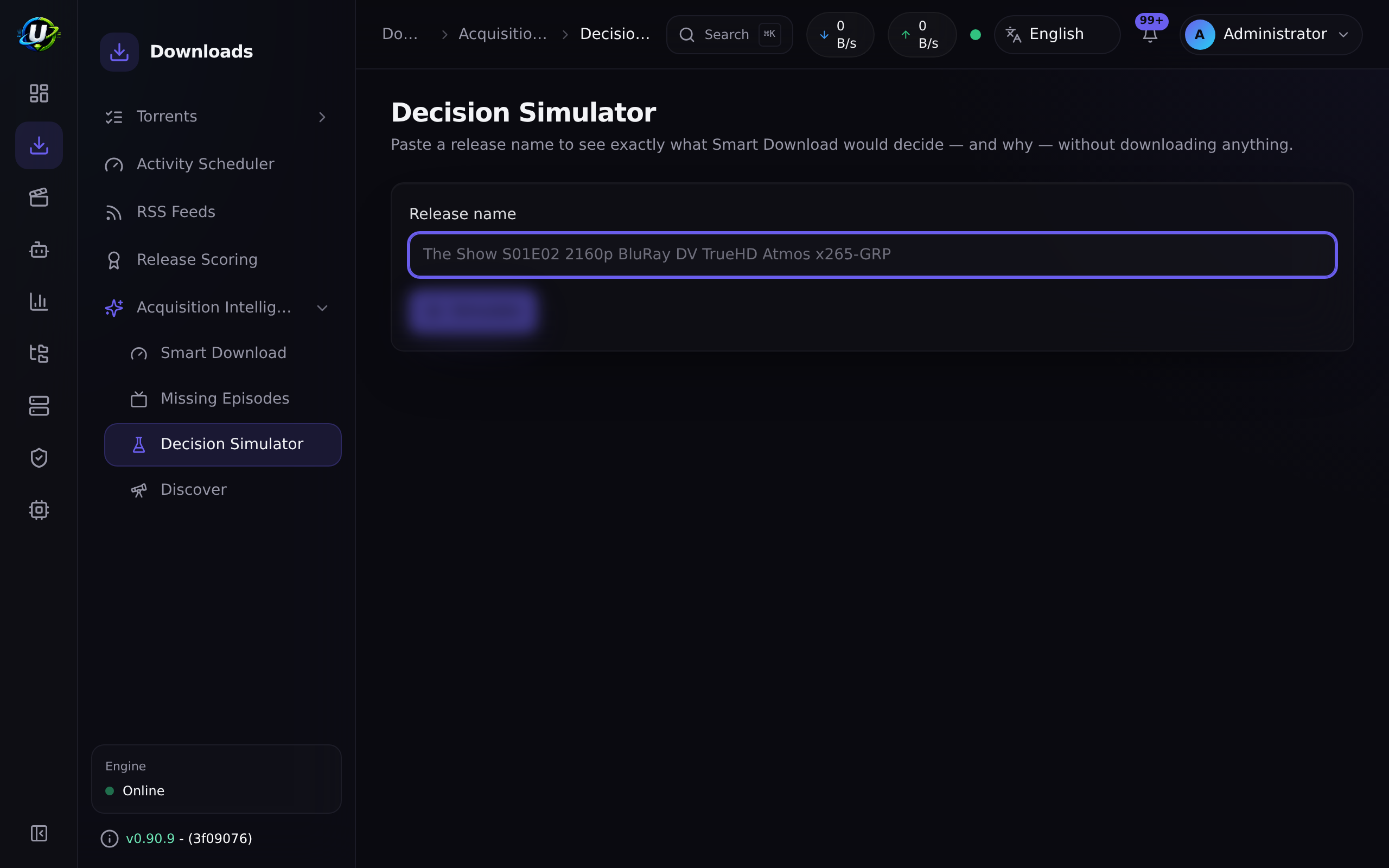
Every Smart Download decision persists its full trace. The Decision
Simulator (/media-acquisition/simulator) replays the whole pipeline for any
release name with zero side effects. It will tell you exactly why something was
chosen or rejected in less time than it takes to form a theory.
Actor, IP, user agent and result, on Administration → Audit Log (/audit).
Including the show-status override on an ended series.
FAQ
Do RSS rules and Smart Download fight each other? No — they share the same brains. Smart Download consumes the RSS module's Smart Match preference lists and the Release Scoring engine as the source of truth. It orchestrates; it does not re-implement quality preferences.
Why did an RSS upgrade delete my torrent? Because it superseded it. Level-3 dedup holds one release per logical title: when a strictly higher-priority release appears, it grabs the new one and removes the old torrent and its data. If you do not want that, do not rank the better release above the one you have.
Can I run the media pipeline on files I did not download?
Yes — that is what the periodic library scan is for. It enriches externally
dropped folders in place. But note it never renames or moves, and fires no
media.* triggers.
What is the smallest useful backup?
pg_dump + your .env. Everything else is re-downloadable.
Checklist
- I can name the event that starts the media pipeline (
torrent.completed). - I can name the three levels of RSS deduplication.
- I know that missing-episode auto-search is opt-in and off by default.
- I know that the periodic library scan never renames.
- I have taken a
pg_dumpand backed up.envwithENCRYPTION_KEY. - I have restored that backup at least once, somewhere disposable, and verified an indexer Test still passes.
Expected results
| Verification | Expected |
|---|---|
| Add a torrent inside a library root, wait | It is renamed and appears in the media server. |
| Paste a release name into the Decision Simulator | A full, clickable trace with a decision and a reason. |
| Restore your backup on a clean stack | You can log in, and an indexer Test passes. |
Next steps
Pick the flow you want to own and go deep:
- Building a movie library → Workflow 5
- Automating TV shows → Workflows 2 + 4
- Smart RSS rules → Workflow 3