File Manager
Overview
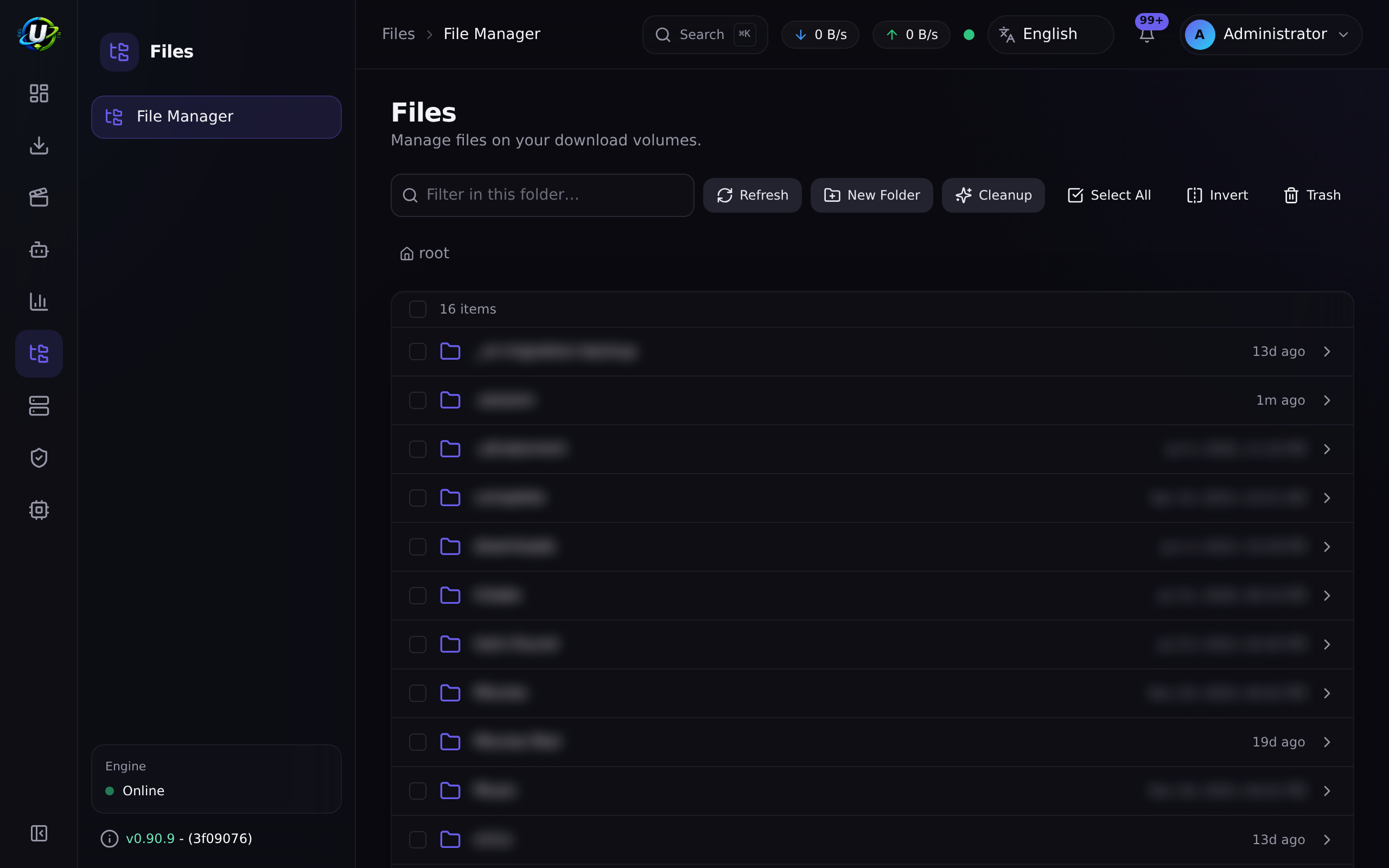
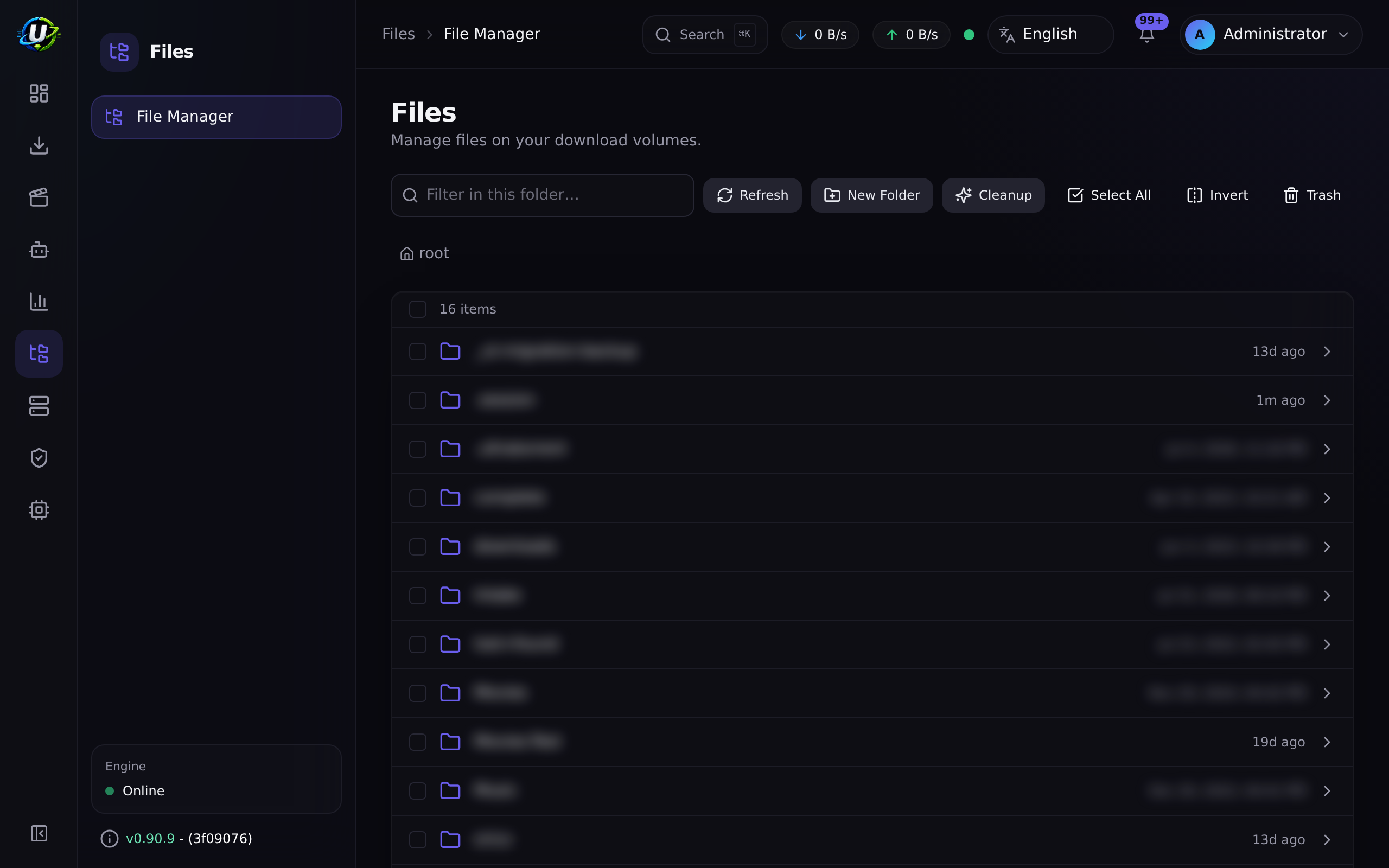
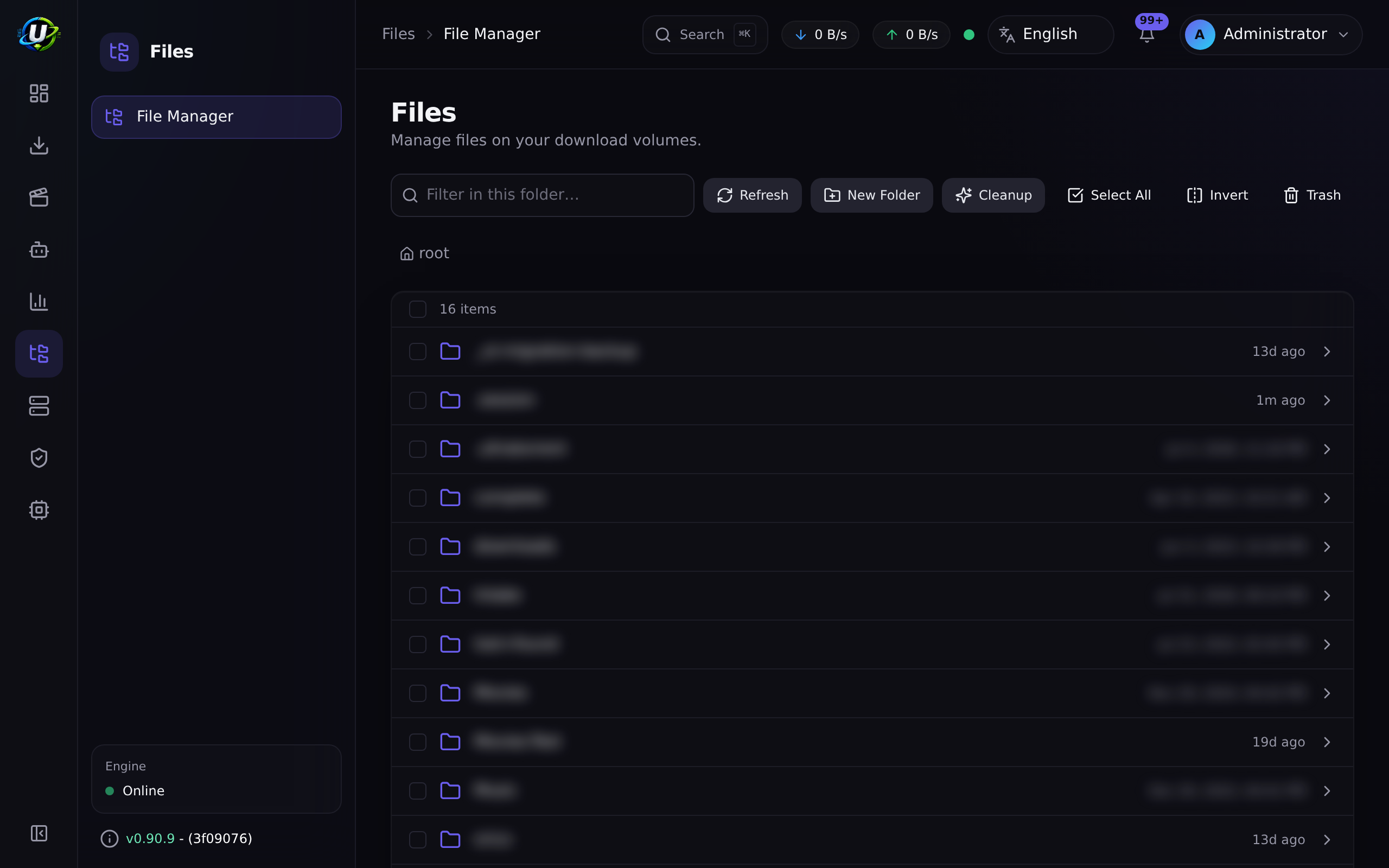
The File Manager is a browser-based file manager for the directories your torrent engine writes to. Browse, preview, rename, move, copy, delete, and bulk-operate — without SSH-ing into the box.
It is a core module (id files, permissions files.*), and it is more foundational than it looks: it owns the root allow-list that constrains every path-touching feature in the product. Media Manager's library scanning, the IMDb dataset path, Automation's move destinations, and every directory picker in the app are all confined by the boundary this module defines.
Why / when to use it
- Clean up after a download. Delete the sample, the
.nfo, theSubs/folder in nine languages. - Reclaim space. The Cleanup Wizard finds junk, duplicates by hash, orphaned subtitles, and partial downloads.
- Fix a mistake safely. Deletes go to a Trash, not the void.
- Inspect. Preview a text file, check a file's sha-256, see how big a folder actually is.
Prerequisites
FILE_MANAGER_ROOTSset correctly (see below). This is a deployment-level decision, not a UI one.files.viewto browse, plus the granular permission for each operation.
Concepts
Hard roots (FILE_MANAGER_ROOTS) — an explicit, comma-separated allow-list of directories, set in the environment. This is the security boundary. Every operation, in every module, resolves to a path inside one of these roots or is rejected.
FILE_MANAGER_ROOTS=/downloads,/media # default: /downloads
Default Root Path — an optional narrowing inside the hard roots, set by an admin (permission settings.manage_root_path). Hard roots = /downloads, Default Root Path = /downloads/complete. It can only narrow within the hard roots — never widen past them, never reach a system directory.
PathSafety — the enforcement. It canonicalizes every path and defeats ../ traversal, absolute-path escape, NUL bytes, invalid names, and symlink escapes, and refuses to operate on a configured root itself, the filesystem root, or a system directory.
Trash — deletes are soft by default. The item moves to a .ultratorrent-trash directory inside its own storage root (so it never crosses a filesystem boundary), and a row records its original path, size, and who deleted it.
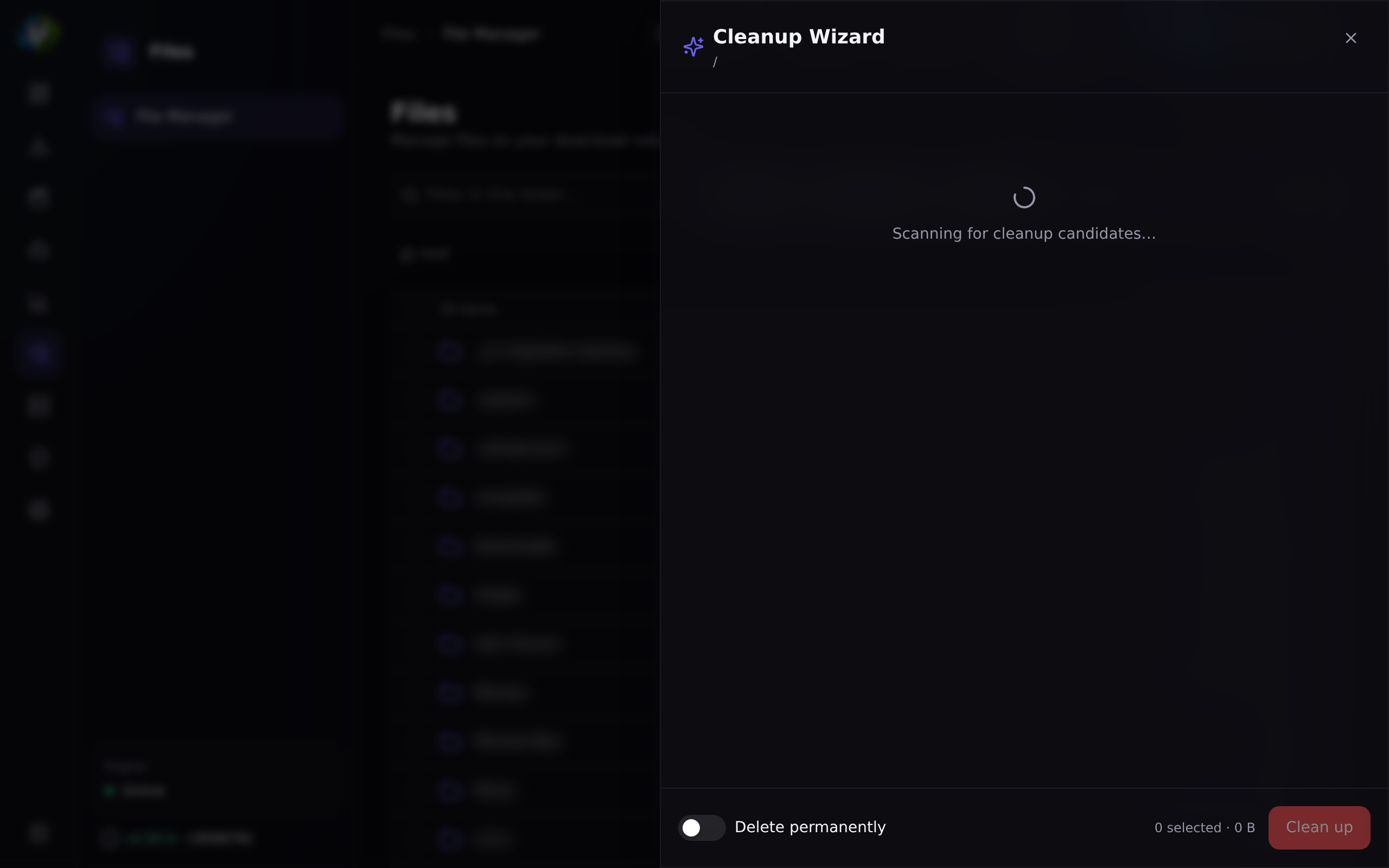
Cleanup Wizard — scans a folder, classifies removable candidates into categories, and shows you an estimated space saving. It never deletes automatically.
How it works
The backend is authoritative. The frontend only hides what you cannot do; the server is what refuses. That distinction matters — a crafted request cannot escape the roots by bypassing the UI.
Configuration
Roots
| Setting | Where | Default | Recommended |
|---|---|---|---|
FILE_MANAGER_ROOTS | Environment | /downloads | Keep it as narrow as possible. Add /media if your libraries live there. Never add /, /etc, or a home directory. |
fileManager.defaultRootPath | Settings → Default Root Path (needs settings.manage_root_path) | "" (use the env roots as-is) | Narrow it to the subtree people actually need, e.g. /downloads/complete. |
The Default Root Path is changed only via PUT /api/files/root (validated + audited), not through the generic settings endpoints — it is a protected key, and writing it via PATCH /api/settings returns a 403 telling you so.
GET /api/files/root reports the effective root plus exists / readable / writable, which is surfaced in Settings with a warning if the app cannot write there.
Directory picker
Path fields across the whole app — Add-Torrent save path, RSS rule save path, Media Manager library paths, Automation move destinations, and the Default Root Path itself — use a root-limited directory picker. Breadcrumbs cannot go above the root, folders can be created in place (with files.create_folder), and the selection is validated server-side on use. Manual entry is still available, and still validated.
Capabilities and permissions
| Capability | Endpoint | Permission |
|---|---|---|
| Browse a directory | GET /api/files | files.view |
| Properties (size, item count, ext, sha-256) | GET /api/files/properties | files.view |
| Preview text (≤ 256 KB) | GET /api/files/preview | files.preview |
| Download a file | GET /api/files/download | files.download |
| Create folder | POST /api/files/folders | files.create_folder |
| Rename | POST /api/files/rename | files.rename |
| Move | POST /api/files/move | files.move |
| Copy (recursive) | POST /api/files/copy | files.copy |
| Delete (Trash or permanent) | POST /api/files/delete | files.delete |
| Bulk move/copy/delete/cleanup | POST /api/files/bulk | files.bulk_actions |
| Cleanup preview / execute | POST /api/files/cleanup-preview · …/cleanup-execute | files.cleanup |
| Trash list / restore / purge / empty | GET /api/files/trash · …/trash/* | files.view / files.delete |
files.manage is retained as a legacy umbrella permission; the file manager itself uses the granular ones above.
Cleanup categories
| Category | Heuristic |
|---|---|
sample_files | Video files whose name contains sample |
empty_folders | Folders whose every child is also being removed |
zero_byte_files | Files of size 0 |
duplicate_files | Identical size and sha-256 (keeps the first) |
orphan_subtitles | A subtitle with no video file in its folder |
orphan_artwork | An image with no video file in its folder |
nfo_files / sfv_files / txt_files | By extension |
hidden_temp_files | Dotfiles, ~/.tmp/.bak, Thumbs.db, .DS_Store |
partial_downloads | .part, .crdownload, .aria2, .!ut, … |
The preview returns per-category groups (item count and bytes) and an estimatedSpaceSaved total. Every candidate is individually selectable.
Step-by-step walkthrough
1. Get the roots right, in the environment. This is the one decision that matters. FILE_MANAGER_ROOTS=/data (with downloads and media inside it) is a good shape — it lets Media Manager hardlink between them, because they are on one filesystem.
2. Narrow the Default Root Path if you want the UI to start somewhere more specific. Settings → Default Root Path. Confirm the exists/readable/writable badges are all green — if it is not writable, half the operations will fail later in ways that look like bugs.
3. Browse. Files → File Manager. You cannot navigate above the root; the breadcrumb will not let you.
4. Delete something, then restore it. Delete a test file. It goes to Trash. Restore it. It comes back to its original location. Confirm this works before you ever delete anything you care about.
5. Run the Cleanup Wizard. Point it at a completed-downloads folder. It scans and classifies. Read the categories before selecting anything — nfo_files and txt_files are junk to some people and metadata to others.
6. Select and execute. Cleanup removes only the paths you selected, to Trash by default.
Screenshots
Video coming soon.
Real-world examples
Reclaim 40 GB from a completed-downloads folder
Run the Cleanup Wizard on /downloads/complete. It finds: 60 sample files, a handful of zero-byte files, 200 orphaned subtitles from packs you deleted the video from, a dozen partial downloads from cancelled torrents, and — the big one — duplicate files matched by identical size and sha-256, which is how you discover you have the same movie twice under two different release names.
Select the categories you actually want gone. Execute. It goes to Trash, so if you were wrong, you can restore it.
Give a housemate read-only access
Create a role with files.view, files.preview, and files.download — and nothing else. They can browse and download; they cannot rename, move, or delete a single byte. Then set the Default Root Path to the shared subtree so they never even see the rest.
Recover from a bad delete
You deleted the wrong folder. It is in Trash, with its original root-relative path recorded. Click Restore. It returns exactly where it was. Restore never overwrites an existing item unless you explicitly pass overwrite: true.
Troubleshooting
| Symptom | Cause | Fix |
|---|---|---|
| A path is rejected: outside the roots | It is outside FILE_MANAGER_ROOTS. This is a hard boundary, and it applies to Media Manager library scanning and the IMDb dataset path too. | Add the root to FILE_MANAGER_ROOTS, or move the content inside an existing one. |
| The Default Root Path will not save via the settings API | fileManager.defaultRootPath is a protected key. PATCH /api/settings returns a 403 explaining that you must use the dedicated route. | Use Settings → Default Root Path (which calls PUT /api/files/root), with the settings.manage_root_path permission. |
| Operations fail with permission errors on disk | The root exists and is readable but not writable by the app's user. | GET /api/files/root reports exists/readable/writable; Settings shows a warning. Fix the ownership/PUID/PGID. |
| Deleted files did not free any space | They went to Trash, which is inside the same root. That is the point. | Purge the item, or Empty the trash. Or pass permanent: true on delete to bypass the trash — irreversibly. |
| I cannot see the trash directory when browsing | The .ultratorrent-trash directory is hidden from normal listings by design. | Use the Trash view. |
| Cleanup deleted something I wanted | It never deletes automatically — you selected it. But it went to Trash. | Restore it. Then read the categories more carefully next time. nfo_files and txt_files are junk to some, metadata to others. |
| A restore refuses to run | Something already exists at the original path. Restore never silently overwrites. | Move the existing item, or restore with overwrite: true. |
| Media Manager cannot scan a library | Its path is outside the hard roots — the scanner calls assertWithinHardRoots before it walks anything. | Same fix: move it in-root, or widen FILE_MANAGER_ROOTS. |
Best practices
- Keep
FILE_MANAGER_ROOTSas narrow as possible. It is a security boundary. Every path in the product is confined by it. - Never add
/,/etc, or a home directory as a root. - Use the Default Root Path to narrow further for day-to-day use, without loosening the hard boundary.
- Leave the trash on. Soft delete is the default for a reason, and it has saved more people than it has annoyed.
- Preview cleanup before executing it. Always. The preview is read-only.
- Grant granular permissions, not
files.manage. The granular set is why a role can browse without being able to delete. - Use the directory picker rather than typing paths. It cannot select an out-of-root path.
Common mistakes
- Setting
FILE_MANAGER_ROOTS=/to "make things easier". You have just given the web UI your whole filesystem. - Assuming a delete freed space. It went to Trash, which is inside the same root.
- Selecting every cleanup category without reading them.
nfo_filesmay be the metadata your media server relies on. - Putting downloads and media on different filesystems — which breaks Media Manager's hardlinking, and means a "move" is really a copy-and-delete.
- Trying to set the Default Root Path through the generic settings API. It is protected; it has its own route.
FAQ
Can the file manager reach my whole filesystem?
No. It is confined to FILE_MANAGER_ROOTS, and every path is canonicalized and checked by PathSafety, which defeats traversal, absolute-path escape, NUL bytes, and symlink escapes, and refuses to operate on a root itself, the filesystem root, or a system directory.
Is delete reversible?
By default, yes. Deletes are soft — the item moves to a .ultratorrent-trash directory inside its own storage root. Pass permanent: true to bypass the trash, which is irreversible.
Why is the trash inside the root, rather than somewhere central? So it never crosses a filesystem boundary. A trash directory on a different volume would turn every delete into a full copy.
Does the cleanup wizard delete anything on its own?
No. cleanup-preview is read-only. You select what to remove, and cleanup-execute removes only those paths — to Trash by default.
How does it find duplicates? Identical size and identical sha-256. It keeps the first and offers the rest.
Is everything audited?
Yes. Every operation writes an audit row (file.created_folder, file.renamed, file.moved, file.copied, file.deleted, file.cleanup_execute, file.restore, file.trash_empty, file.bulk.<op>, and file.operation_failed) with the user, the source and destination, the byte count, and the result.
Does the UI update live?
Yes. Mutating operations broadcast files.operation.started / .completed / .failed, files.cleanup.completed, and files.trash.updated, and the frontend live-refreshes the current listing.
Checklist
- Confirm
FILE_MANAGER_ROOTScontains only the directories you intend. Expected: no/, no home directory. - Open Settings → Default Root Path. Expected: exists, readable, and writable all green.
- Browse in Files. Expected: the breadcrumb refuses to go above the root.
- Delete a test file. Expected: it lands in Trash, not oblivion.
- Restore it. Expected: it returns to its exact original path.
- Run a cleanup preview. Expected: per-category groups with byte totals and an
estimatedSpaceSaved, and nothing deleted. - Execute cleanup on a selected subset. Expected: only those paths are removed, to Trash.
- Check the audit log. Expected: an entry per operation, with actor, paths, bytes, and result.
See also
- Media Manager — which is confined by the same roots.
- Torrents — the save paths that land here.
- Automation — the
moveaction, validated against the same roots. - Audit log — where every operation is recorded.
- Security — the full path-validation model.
- Environment reference —
FILE_MANAGER_ROOTS. - Backup